 Google Partner
Shopify Partner
20+ Years of Experience
Google Partner
Shopify Partner
20+ Years of Experience
Google Partner
Shopify Partner
20+ Years of Experience
Google Partner
Shopify Partner
20+ Years of Experience
Plan projects, assign work, manage timelines, track time and costs, capture decisions, and report progress from one connected project management platform.
Less chasing. Fewer disconnected updates. More control over delivery.
Arissa’s Project Management Tool keeps the work, ownership, timelines, decisions, and progress connected — so teams can see what is happening without rebuilding the project status every time someone asks.
Build projects, break work into tasks, set ownership and dates, connect dependencies, and reuse project structures.
Switch between detailed task views, Gantt charts, boards, backlogs, calendars, and roadmaps depending on how your team needs to work.
See assignments across the team and adjust dates, duration, or ownership as priorities change.
Team Planner supports visual work planning, while Resource Management can extend this into capacity, availability, skills, staffing, and cross-project allocations where enabled.
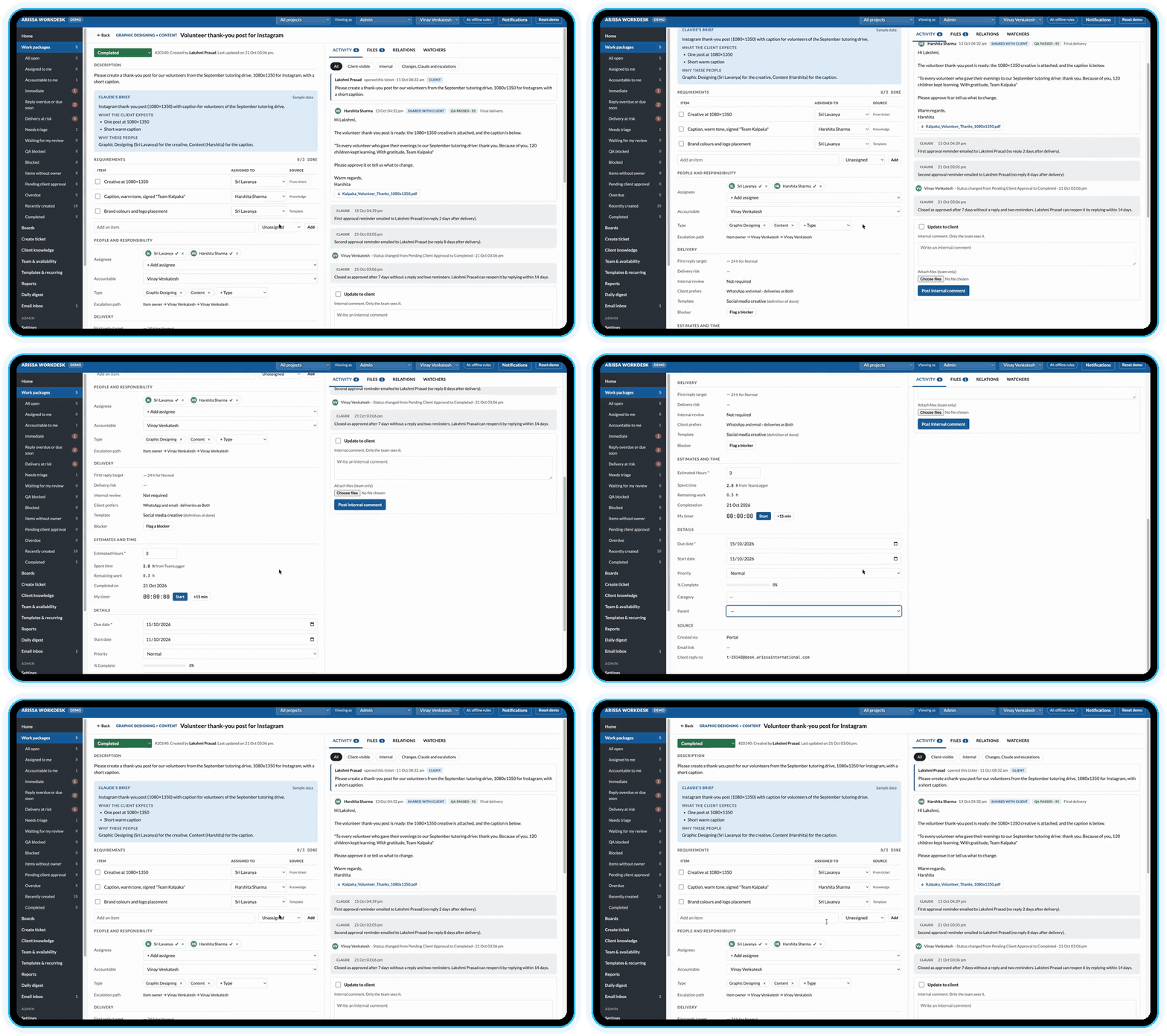
Create agendas, capture decisions, assign actions, and keep follow-ups connected to the project.
Meeting management supports structured agendas, action items, and traceable outcomes throughout the project lifecycle.
Agenda → Decision → Action → Follow-Up
Log time directly against project work and keep effort connected to delivery.
Track labor and unit costs, manage budgets, and build time-and-cost reports around what was planned and what was actually spent.
Documents, wiki content, files, comments, news, forums, and updates can stay alongside the work they support.
The platform also supports integrations such as GitHub, GitLab, Nextcloud, and OneDrive, with APIs and webhooks available for broader connections and automation.
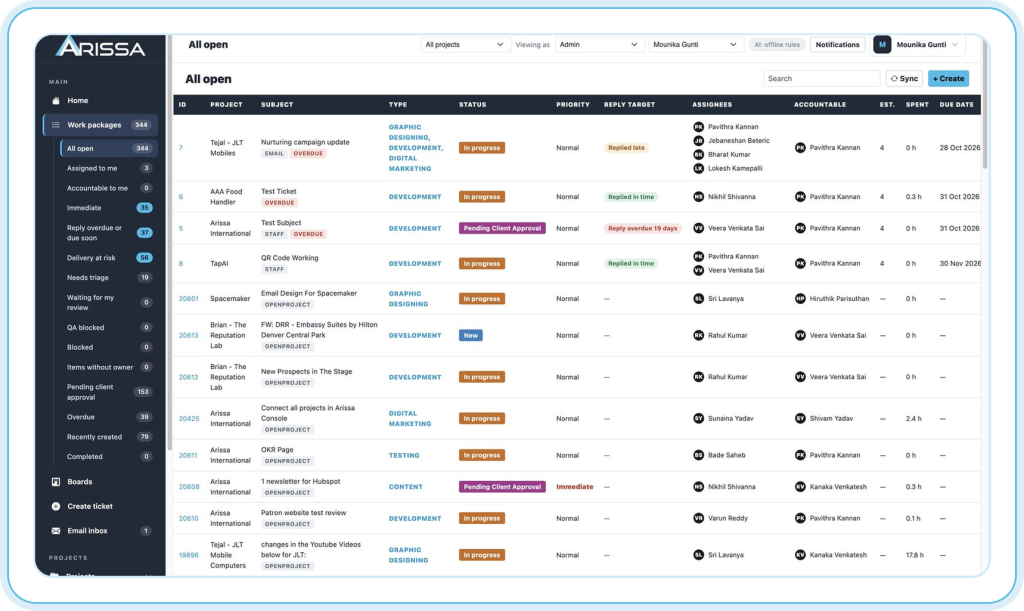
Use project overviews, saved views, filters, progress tracking, calendars, reports, and exports to understand where work stands without opening every task individually.
Where Portfolio Management is enabled, leadership can also get a structured view across multiple projects and programs.
Configure work types, statuses, priorities, workflows, custom fields, calendars, notifications, time-and-cost settings, and other system behavior around the way your projects operate.
Support the full project lifecycle:
For teams with more structured requirements, the platform can also support:
These capabilities extend the platform from individual project delivery into broader governance, planning, strategy, and specialized workflows.
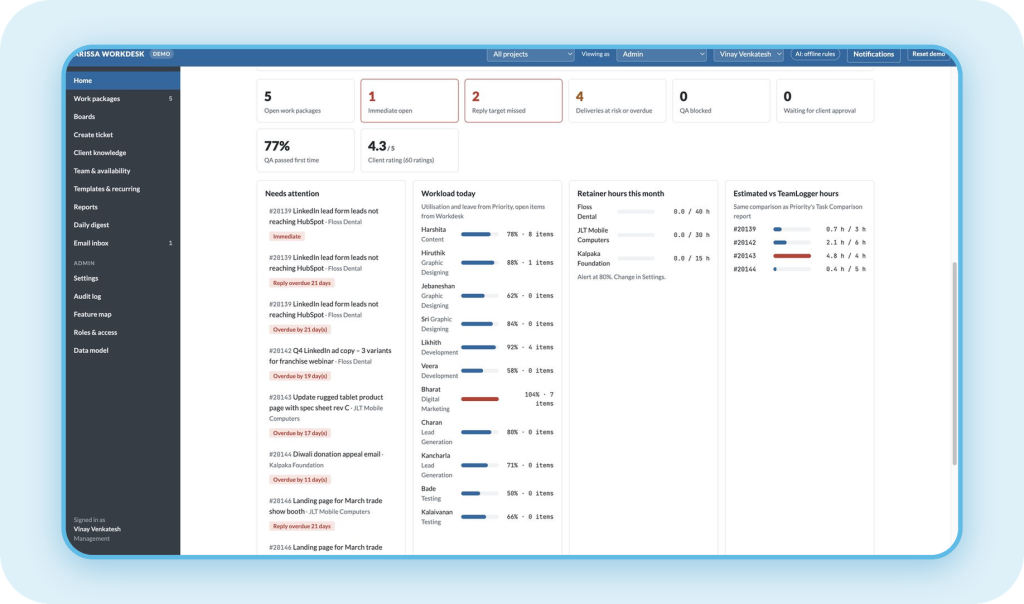
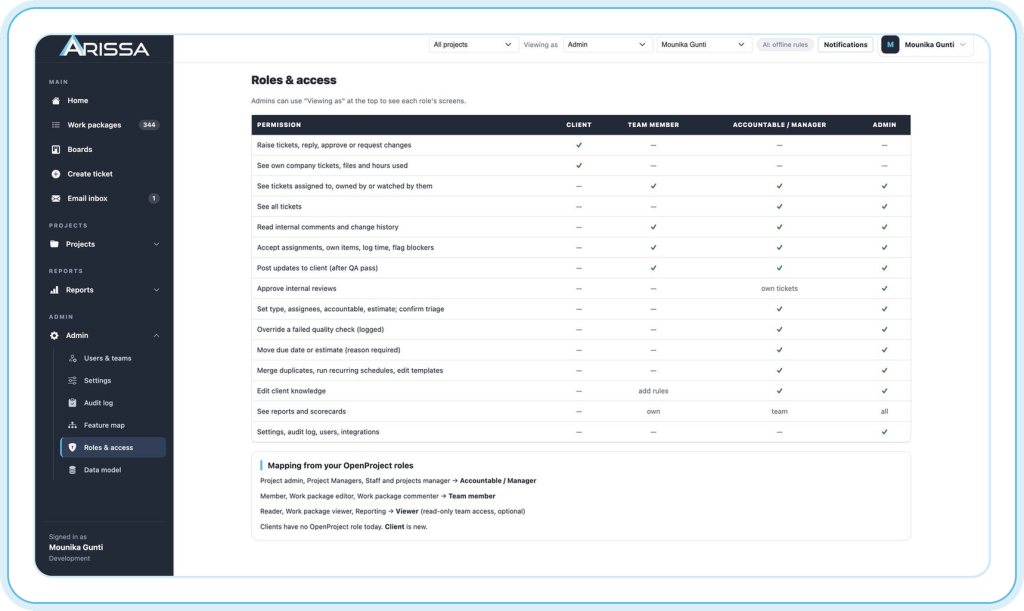
Administration can cover users, groups, permissions, workflows, custom fields, calendars, notifications, time and cost settings, file storage, integrations, APIs, webhooks, and authentication.
Authentication can use internal accounts or connect to central identity systems, with supported options including OAuth, OpenID Connect, LDAP, and additional authentication methods.
Keep delivery, ownership, hours, deadlines, and reporting connected.
Manage backlogs, boards, bugs, roadmaps, and development integrations.
Standardize structures, workflows, governance, reporting, and cross-project visibility.
Keep tasks, meetings, timelines, documents, and responsibilities together.
Arissa brings implementation experience around the platform, so the system can be aligned with the way your teams already manage projects.
Arissa’s team sets up, configures, hosts, and supports the platform around the way your projects run.
Years Building Software
Clients Worldwide
Professionals


Bring project planning, execution, collaboration, time and cost tracking, and reporting into a single connected environment.
We use your details only to respond to your enquiry. See our Privacy Policy
Yes, where the relevant modules are enabled. Portfolio Management supports strategic cross-project oversight, while Resource Management focuses on capacity, availability, staffing, and delivery resources.