One Mail Server. Every CRM. Your Own Domains and IPs.

HubSpot Gold Partner Google Partner Shopify Partner 20+ Years of Experience

When several CRMs send through one shared mail service, they share its limits, its per-email fees and its reputation. One project’s bad list can drag down every other project’s delivery, and you can’t see why mail didn’t arrive.

Arissa’s SMTP service gives each CRM or project its own domain, mailboxes, email authentication and dedicated sending IP. Everything runs on servers Arissa owns and operates, with a delivery dashboard on top.

CRM Email Shouldn’t Depend on Someone Else’s Reputation

CRM teams usually send through whatever the CRM provides or a third-party sending service. The sending domain often doesn’t match the brand, every email carries a fee, and reputation is pooled with strangers.

When something goes wrong, the answers are hard to get. Which addresses bounced? Which were rejected? Was it this project or another one sharing the same IP?

Arissa’s SMTP service puts each project on its own domain and IP, sets up the authentication receiving servers check, and shows exactly what happened to every send.

What Arissa’s SMTP Service Provides

console.arissainternational.com
Arissa Mail multi-domain mail hosting with domains and mailboxes
Multi-Domain Mail Hosting

Send From Your Own Domain, Wherever the CRM Lives

Your emails should come from your brand, not from the CRM’s host.

Send from you@yourdomain.com while the CRM runs at crm.yourdomain.com. Mail is signed and sent as your own domain, so the sending domain, the website and the brand all line up.

Domains & Mailboxes

Create a domain on the server, add its mailboxes, and read mail over IMAP or POP3.

Existing Email Stays in Place

Already on Google Workspace, Zoho or GoDaddy mail? Those services stay. The sending records are added alongside them and merged into your existing SPF record.

One Server, Many Domains

Add domains as you add projects, up to what the server’s memory, disk and sending volume can carry.

Pass the Checks Receiving Servers Run

Gmail, Outlook and other mail systems check who you are before they look at what you sent.

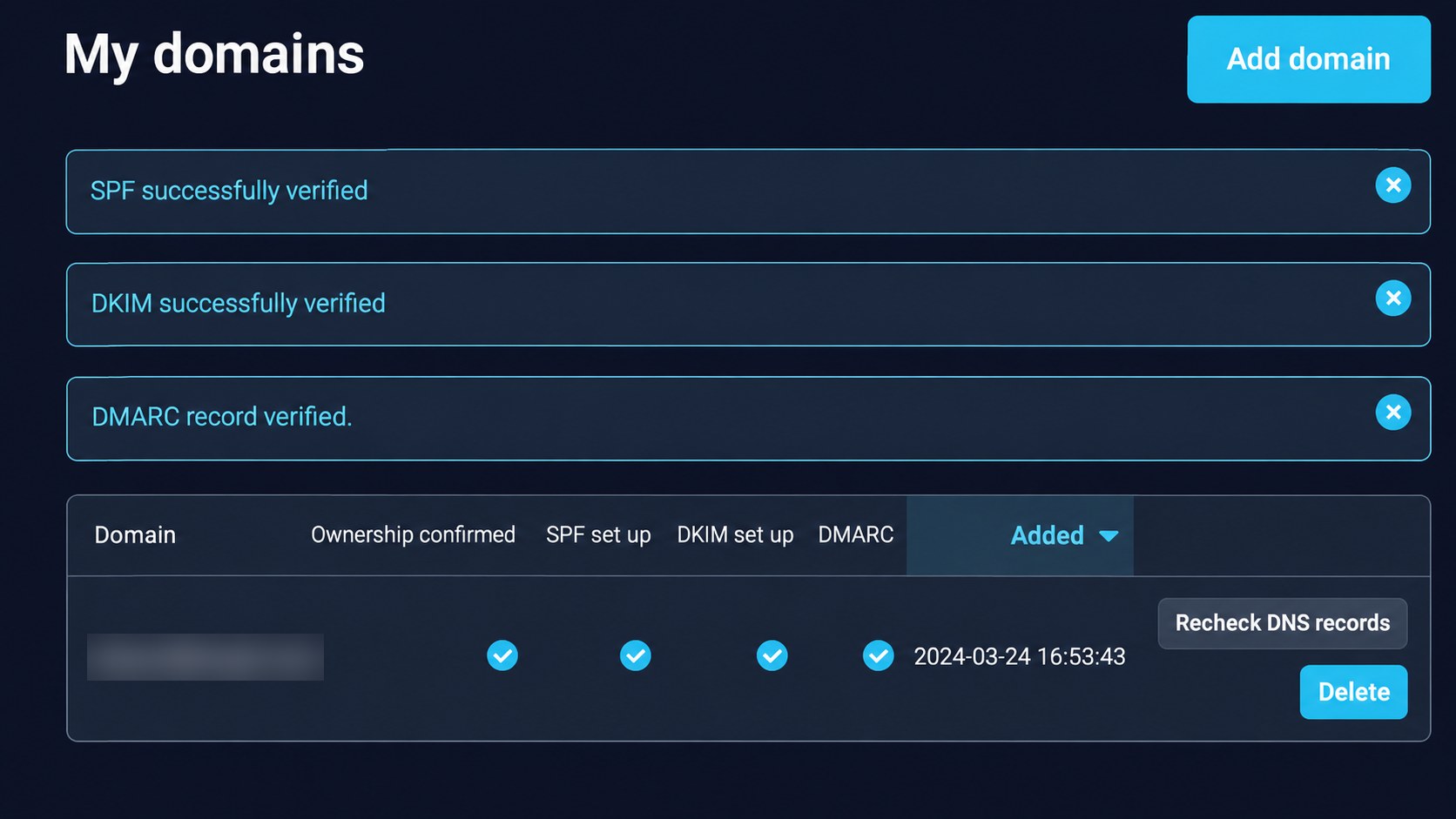
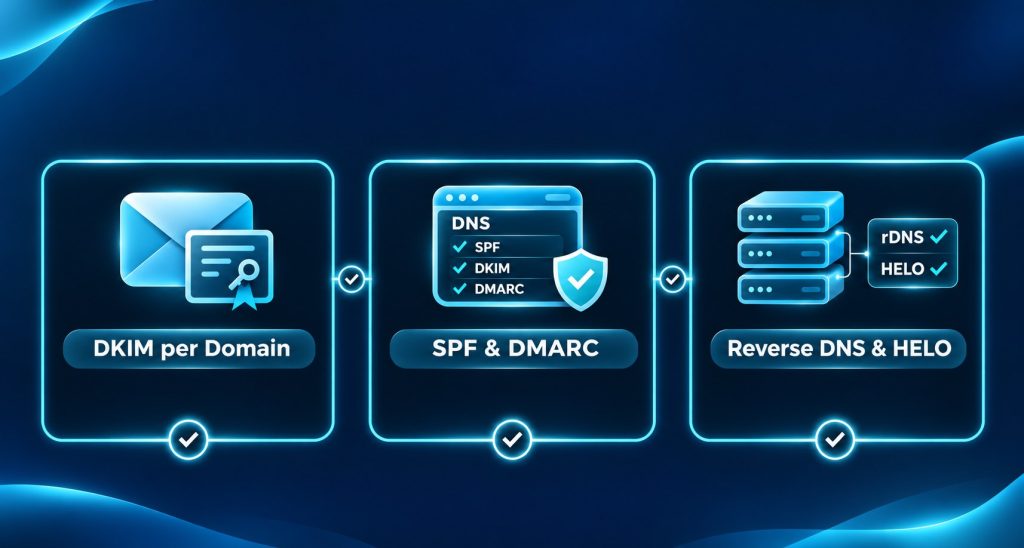
Every domain you add gets SPF, DKIM and DMARC set up and verified, and every sending IP gets matching reverse DNS and HELO.

DKIM per Domain

Each domain signs mail with its own DKIM key, so one domain’s key never covers another.

SPF & DMARC

SPF and DMARC records are published for every domain and checked.

Reverse DNS & HELO

Each sending IP’s reverse DNS and SMTP HELO name match that IP.

Keep Each Project’s Reputation Its Own

On a shared sending service, one sender’s bad list affects everyone on the same IP.

Here every project has its own domain, mailboxes, DKIM key and sending IP, so a problem on one project does not spread to the others.

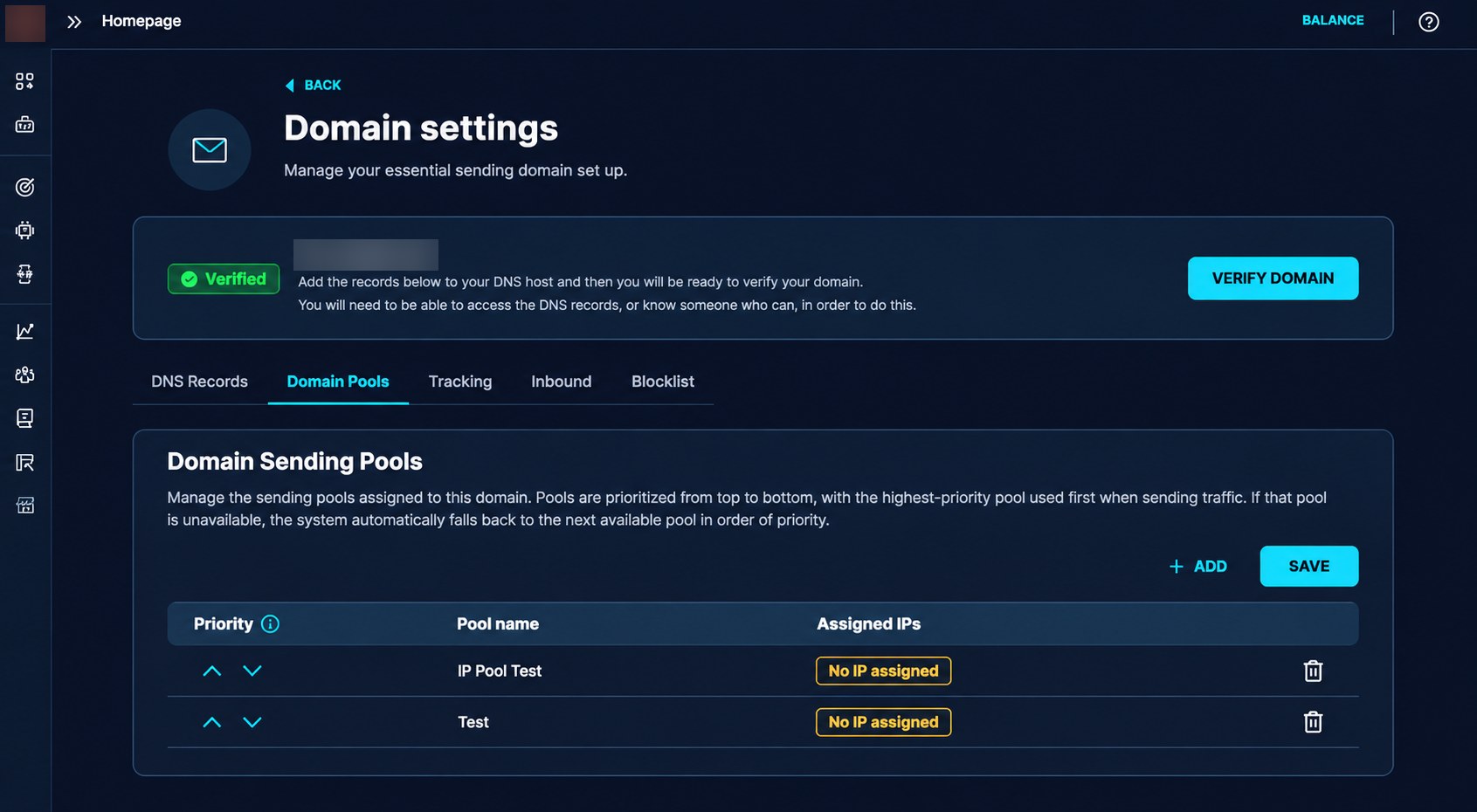
A Dedicated IP per CRM

Each CRM sends from its own IP with reverse DNS and HELO matched.

Daily Rotation

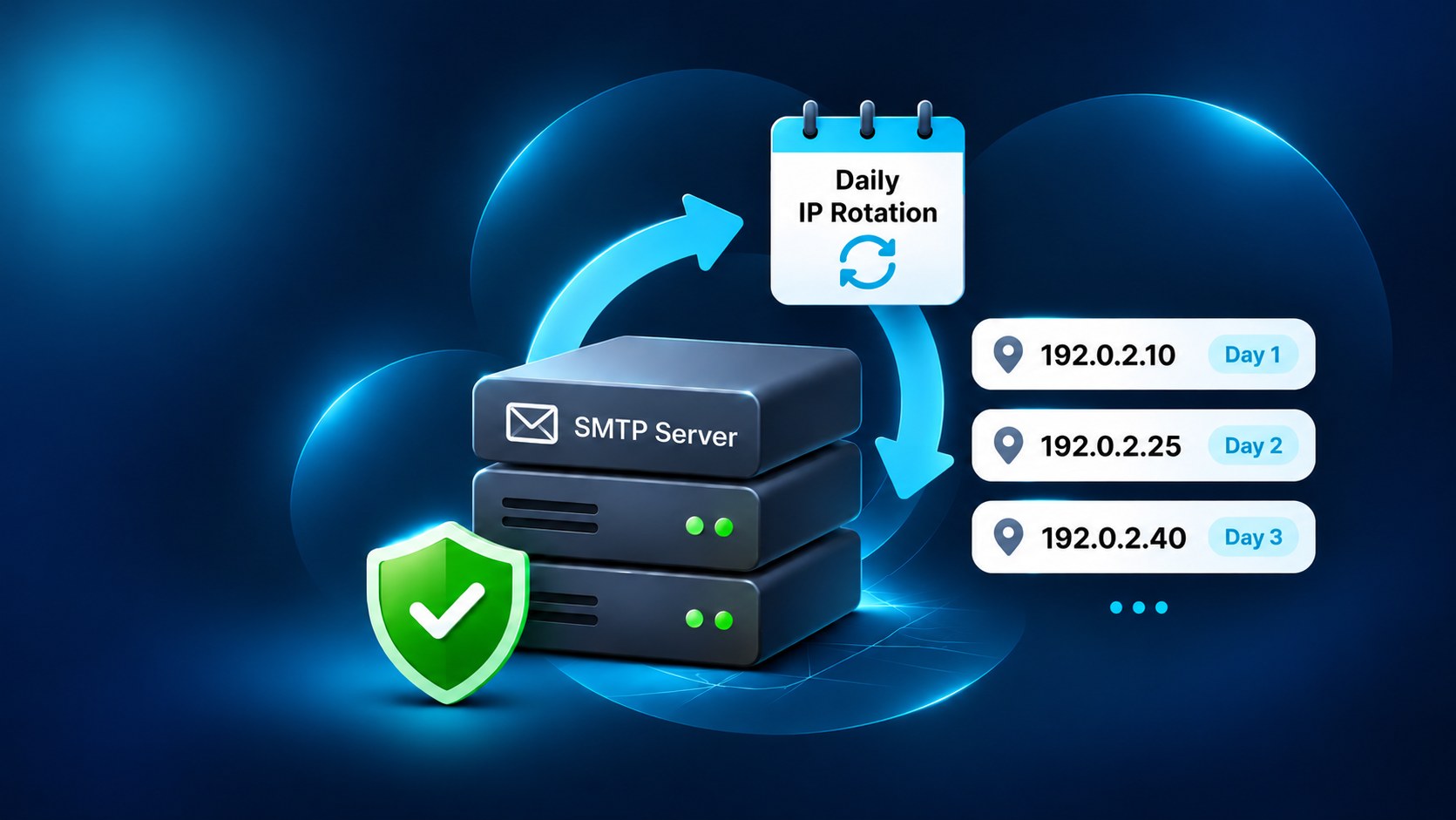
An automated schedule moves each CRM to a different IP every day. No two CRMs ever share an IP on the same day.

Plan IPs With Domains

Because each CRM needs its own IP on any given day, the number of IPs and domains is planned together.

Connect Arissa CRM — or Any CRM That Sends Over SMTP

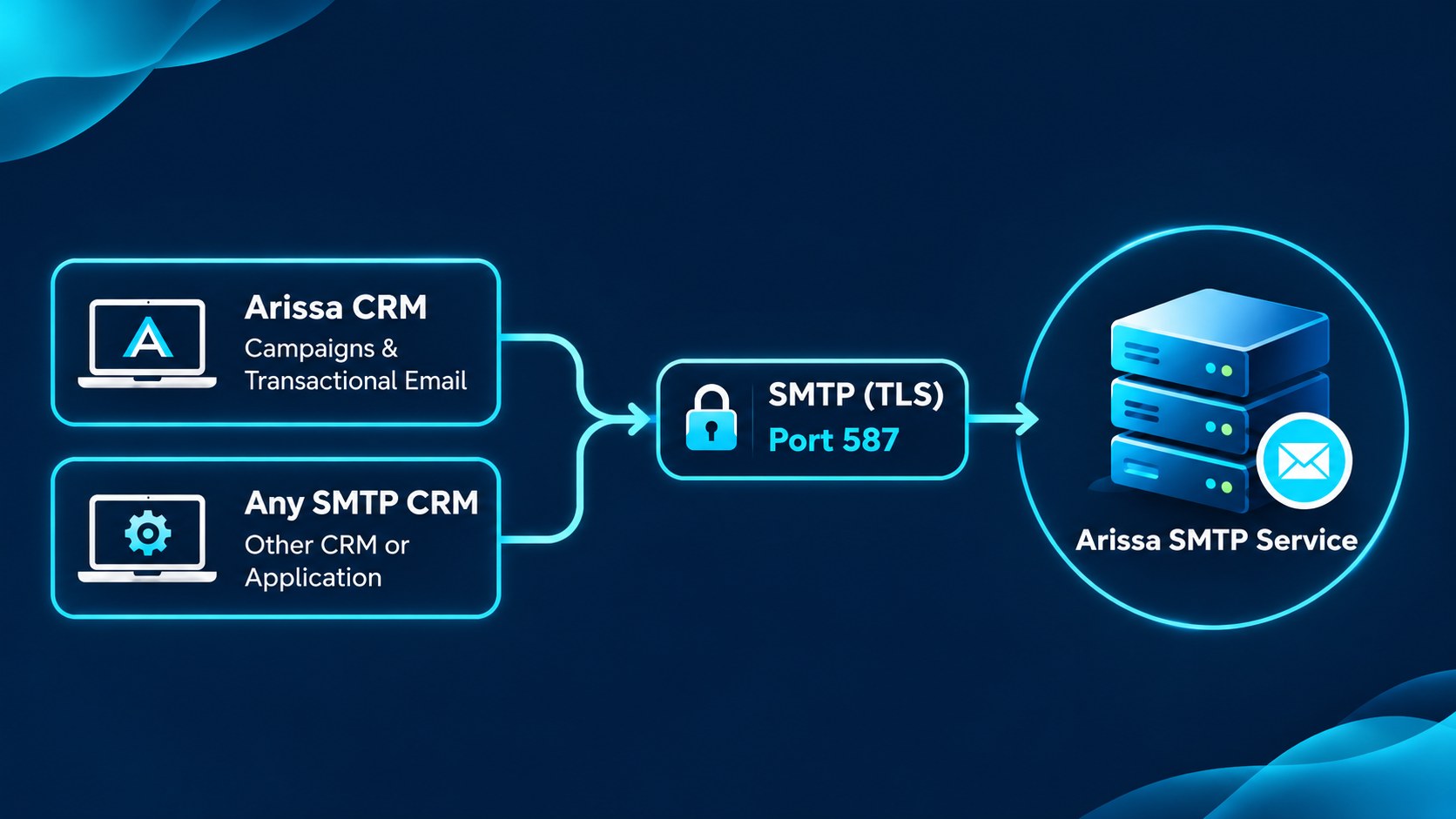
The CRM connects the way it connects to any mail server, through its own email settings.

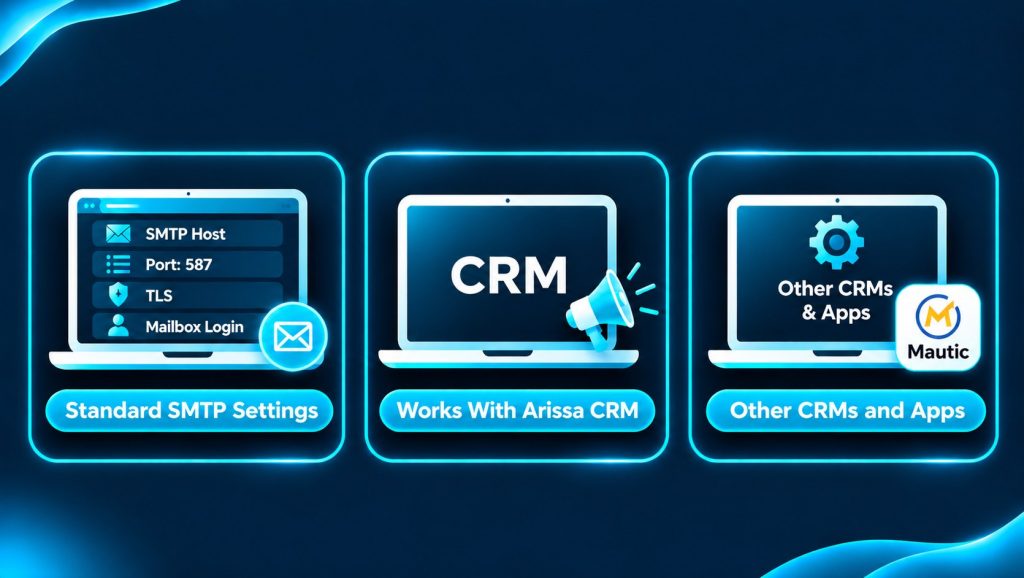
Standard SMTP Settings

Enter the SMTP host, port 587, TLS and the mailbox login in the CRM’s email settings, then send a test.

Works With Arissa CRM

Send campaigns and transactional mail from Arissa CRM through your own domain.

Other CRMs and Apps

Any CRM or application that can send through an SMTP server, such as Mautic, connects the same way.

See What Happened to Every Send

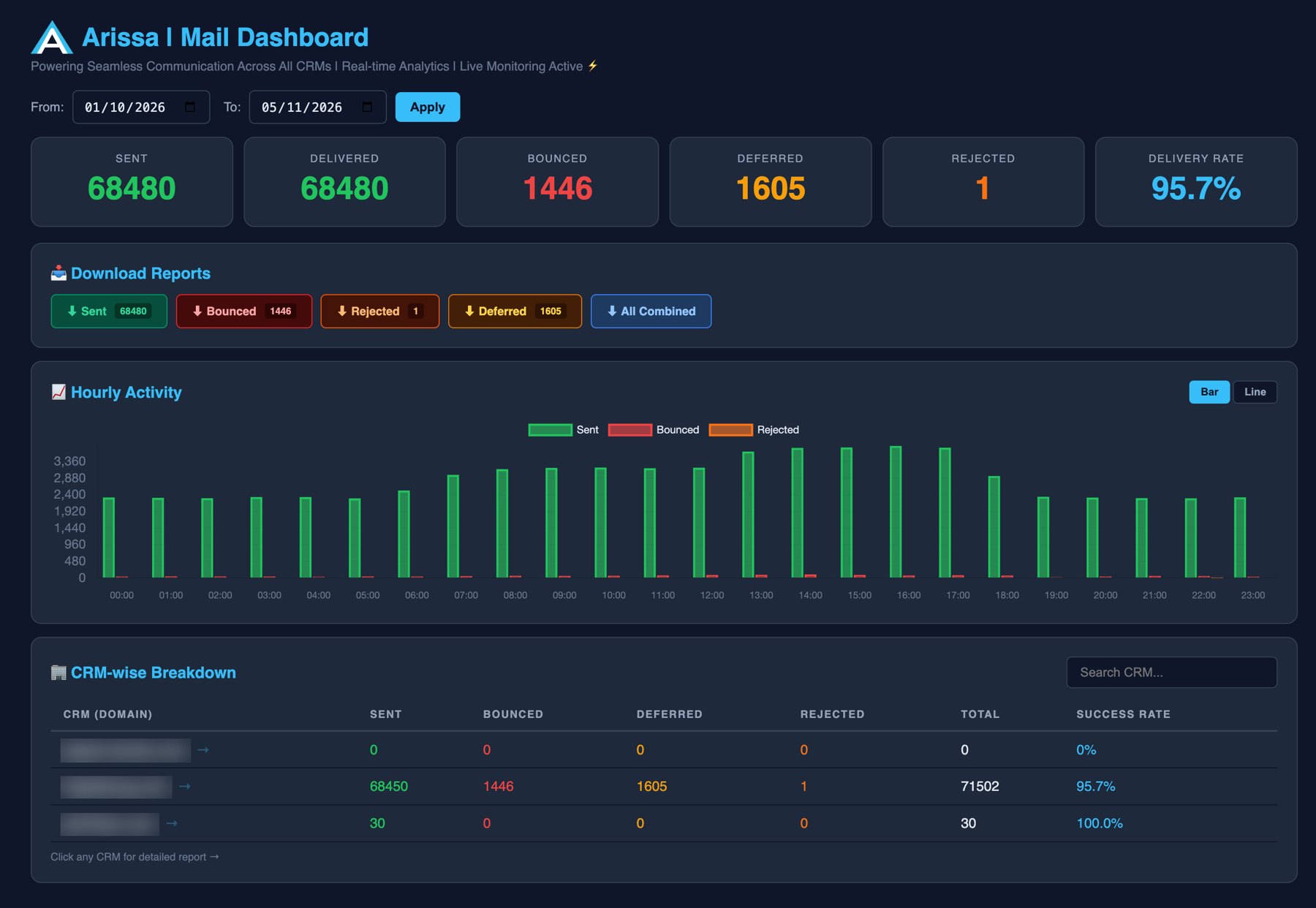
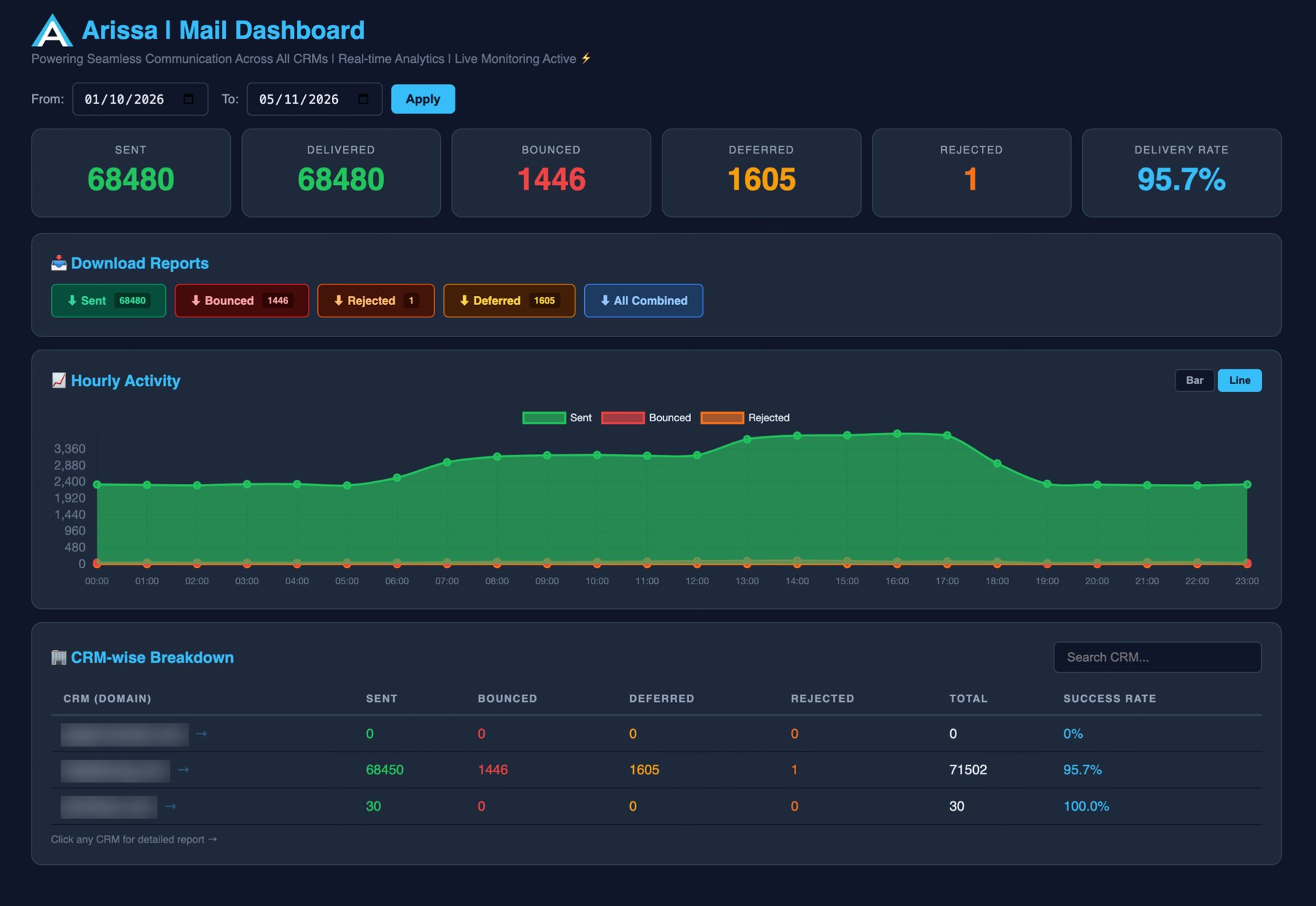
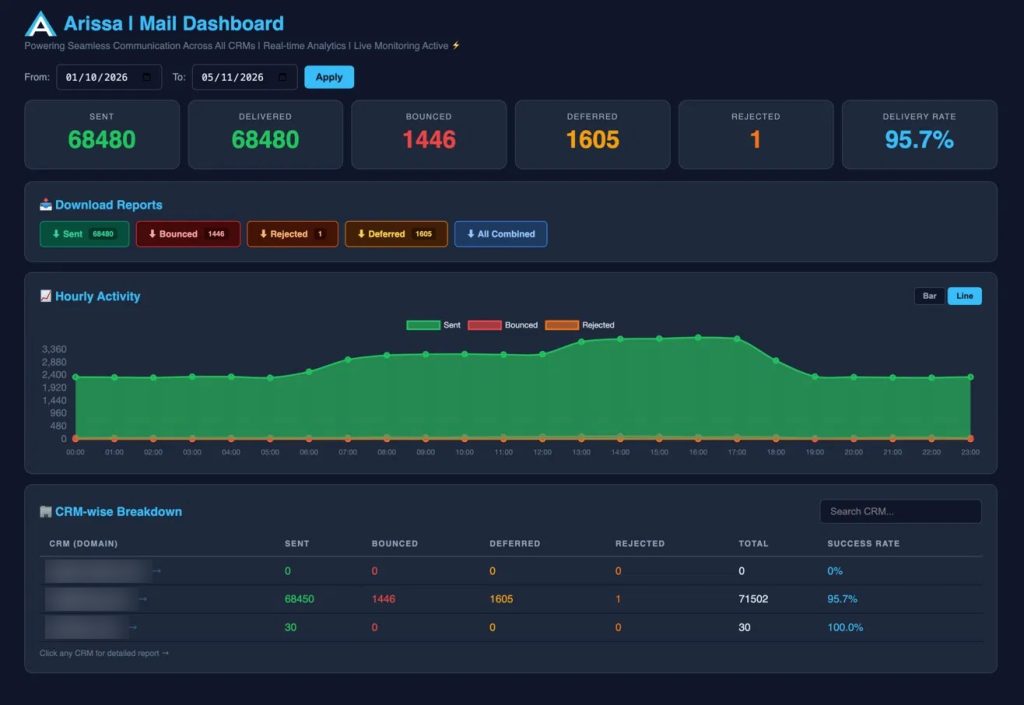
The dashboard reads the mail server’s own logs, so the numbers reflect what the server actually handed to receiving mail systems. It sits behind a login and works on a phone or a desktop.

Totals & Delivery Rate

Sent, bounced, deferred and rejected for any date range.

Hourly Activity

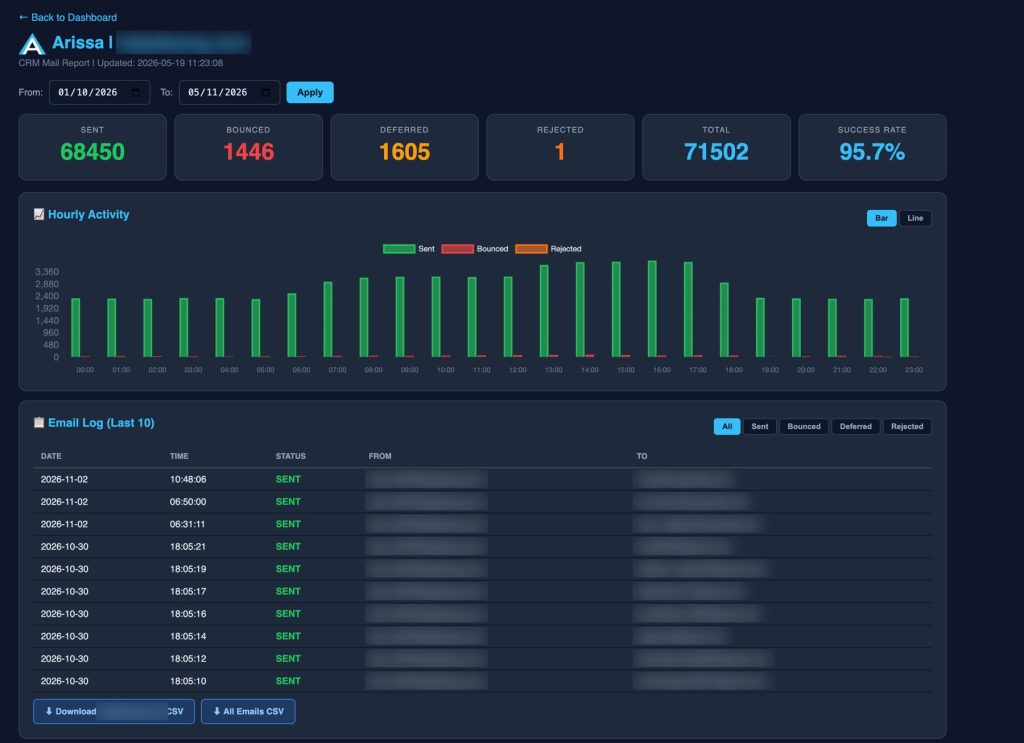
A bar or line chart showing when mail went out and when it failed.

CRM-Wise Breakdown

One row per CRM with its own success rate. Click a row to open that CRM’s report.

CSV Exports

Download sent, bounced, deferred and rejected lists, combined or for a single CRM, ready for Excel.

Arissa-Run Servers. Your Domains. No Per-Email Fees.

Mail and logs stay on servers Arissa owns and operates, and each project’s sending reputation stays its own.

There is no per-email fee from a third-party sending service, so cost doesn’t climb with every campaign.

See how Arissa’s SMTP service would run your CRMs.

Straight Talk About Inbox Placement

No mail platform can guarantee inbox placement, including this one. Gmail, Outlook and others decide using the sender’s reputation, which is built from recipient behaviour over time.

What Arissa provides is the technical foundation, and clear guidance on the parts only the sender controls.

The platform handles
The sender controls

From New Project to First Send

  1. 01

    Add the Domain

    Create the domain and its mailbox on the server and generate its DKIM key.

  2. 02

    Publish the DNS Records

    Add the mail host, SPF, DKIM and DMARC records. Existing mail services on the domain are preserved.

  3. 03

    Connect the CRM

    Enter the SMTP host, port 587, TLS and the mailbox login in the CRM’s email settings, then send a test.

  4. 04

    Send and Monitor

    The domain joins the IP rotation and appears on the dashboard automatically.

From a Shared Sending Service to Dedicated Mail Infrastructure

Before
With Arissa’s SMTP Service

Built for Teams That Send From Many CRMs

Agencies & Consultancies

Run mail for several clients’ CRMs from one place, each on its own domain and IP.

Organisations Running Arissa CRM

Send campaigns and transactional mail from your own domain, with delivery reporting in one view.

Teams That Want Control

Keep mail, logs and sending reputation on dedicated infrastructure instead of a shared service.

Arissa's SMTP service is built by Arissa International, a HubSpot Gold Partner. It works with any CRM that lets you enter custom SMTP details.

See It Running on Your Domains

Tell us how many CRMs you run and what you send, and we’ll show you how it would be set up.

Prefer email?

Frequently Asked Questions

Does it work with Arissa CRM?

Yes. Arissa CRM connects over standard SMTP on port 587 with TLS and login authentication. Any other CRM or application that can send through an SMTP server connects the same way.

Yes. That is the main design goal. Mail is signed and sent as your own domain, whatever address the CRM itself is hosted at.

Existing mail services such as Google Workspace, Zoho or GoDaddy mail can stay in place. The sending records are added alongside them and merged into your existing SPF record.

We can’t promise that, and nobody honestly can. The platform sets up everything technical that receiving servers check. Inbox placement then depends on your list quality, volume ramp-up, content and recipient engagement.

Yes. Each CRM sends from its own dedicated IP with matching reverse DNS and HELO. IPs rotate daily, and no two CRMs share an IP on the same day.

It depends on the server’s memory, disk and sending volume. Plan the number of IPs and domains together, because each CRM should have its own IP on any given day.

Sent, bounced, deferred and rejected mail for any date range, hourly activity, and a per-CRM breakdown with its own success rate. Every list downloads as CSV.

No. Mail runs on servers Arissa owns and operates, so there is no per-email fee from a third-party sending service.

Pricing depends on how many domains and dedicated IPs you need, so there’s no fixed list price. Tell us how many CRMs you run and we’ll send a quote.